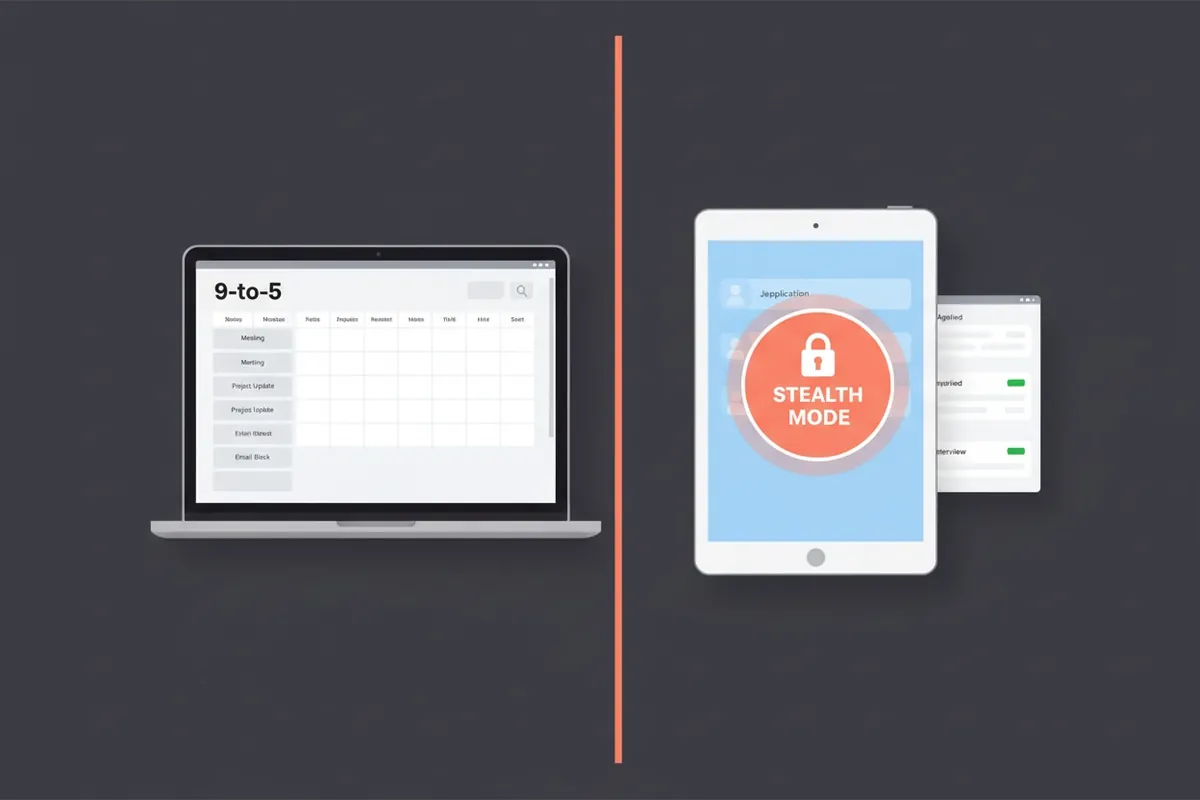
Seventy-three percent of new hires in 2025 came from currently-employed candidates. The math is obvious: when you have a job, you have leverage, patience, and a paycheck. You can wait for the right role instead of grabbing the first one. Recruiters know this. That's why "passive candidate" is the most sought-after segment in the entire hiring market.
The catch: thirty-one percent of employed job seekers say their current employer eventually found out. Sometimes that means an awkward conversation. Sometimes it means losing the job before the new one materializes. The downside of getting caught is real, and the tactics to avoid it are mostly about discipline rather than secrecy theatre.
This guide covers the LinkedIn stealth settings that matter, the operational security mistakes that get people caught, and the time management problem that's actually harder than the secrecy problem.
Why Searching While Employed Is the Best Position
Three structural advantages you have over unemployed candidates:
Negotiation leverage. A candidate with an offer in hand and a paycheck still hitting their bank account can walk away. The recruiter knows this. Offers tend to come in 5–15% higher.
No unemployment penalty. Some recruiters, especially in competitive specialties, apply a soft penalty to candidates who've been unemployed more than 60 days. Right or wrong, it's real. You don't carry this penalty.
Patience. You can wait for the right role. You can pass on offers that aren't quite right. You're not gambling rent on the next decision.
The whole point of an employed search is to maximize these advantages. The tactics below protect them.
LinkedIn Stealth Settings
Three settings to change immediately:
1. "Open to Work". Private mode only. The default has two options. The public green ring is visible to your coworkers and manager. Don't pick this if you're employed. The private "recruiters only" mode is visible only to verified LinkedIn Recruiter accounts. Use this one.
Settings → Job seeking preferences → Let recruiters know you're open → Recruiters only.
2. Career interests visibility. Same panel, make sure your career interests (target titles, locations) are also marked recruiters-only.
3. Hide profile updates from your network. Settings → Visibility → Visibility of your profile & network → Share profile updates → OFF.
Otherwise every time you tweak your About section or update your skills, your entire network, including your manager, sees a notification. This is one of the most common ways people get caught.
For the full LinkedIn optimization playbook (which is doubly important when you're searching stealth), see how to optimize LinkedIn for job search.
Operational Security
A short list of habits that prevent the most common mistakes:
- Never use your work email for any job-search activity. Job board accounts, recruiter conversations, application confirmations. All of these should route through a personal email address. Companies can and do log work email patterns.
- Never use your work laptop or work phone for job search. Personal devices only. Many companies run endpoint monitoring software that flags unusual browsing patterns.
- Schedule interviews on PTO, lunch breaks, or before/after work hours. If you're scheduling phone screens during work hours, take them outside the building, not at your desk.
- Recruiter calls go from your personal cell, not your work line. Step outside, away from coworkers.
- Don't share with "trusted" coworkers. Statistically, someone will eventually mention it to someone, who mentions it to your manager.
These rules aren't paranoid. They're standard practice for any senior candidate running a deliberate search.
Time Management: The Harder Problem
Operational security is straightforward, follow the rules and you're fine. Time management is where most employed searches struggle.
You can sustainably commit 5–8 hours per week to a job search while working full-time. Past that, your work performance starts slipping (which is what eventually tips off your manager), and your interview performance suffers from sleep deprivation. Treat 5–8 hours as a hard cap.
How to actually fit it in:
- Block one evening per week for applications and outreach (typically Sunday or Tuesday)
- Block 2–3 hours on the weekend for interview prep and tailoring
- Don't try to apply nightly. You'll burn out within a month.
- Pareto cut to 5–8 dream companies instead of spraying 50 applications. Quality over volume protects your limited time.
For the broader productivity system that prevents burnout, see the job search productivity system.
Handling Interview Scheduling
This is the highest-friction operational problem. Interviews don't happen at convenient times.
Tactics:
- Always offer multiple slots first. When a recruiter asks for availability, you reply with three carefully chosen windows, early morning, lunch, end of day. You control the calendar.
- Prefer 8:30am, lunch, or 4:30pm. Pushing the interview to the edges of your workday minimizes coworker visibility.
- Push back on "any time Tuesday afternoon." Reply with specific options instead. "Never available" is not a sentence you say, but in practice, mid-afternoon Tuesday is a red flag.
- For loops longer than 2 hours, take a half-day PTO. Doing a 3-hour interview from your work desk is impossible. The PTO is worth it.
- For final-round loops, take a full day. Don't try to squeeze a 6-hour onsite (or virtual onsite) around work. You'll perform badly and look exhausted.
What to Tell Your References
References matter, but they're also a leak risk. Two rules:
- Don't tell anyone at your current job. Not your "trusted" coworker, not your former manager who still works at the company, not your mentor in another department. If they need to be a reference, they need to know in private and they need to be reliable.
- Don't activate references until after the first or second interview. Until you're in serious consideration, your references aren't getting called. No need to involve them.
When you do reach out to references, send a brief on the role:
"I'm interviewing for [Title] at [Company]. The role involves [key things]. If you get a call from [Hiring Manager Name], the things I'd most want you to speak to are [2 specific projects/skills]."
This isn't coaching them to lie. It's giving them the context to give an effective endorsement, which is what they want too.
Red Flags That Your Boss Suspects
Watch for these signals:
- Your manager asks unusually pointed questions about your career goals
- One-on-ones suddenly include "where do you see yourself in 12 months"
- HR pulls you into a "stay interview" you didn't ask for
- A coworker mentions seeing you on a "lots of new connections" notification (you forgot to disable updates)
If you spot these, the worst move is to lie under direct questioning. The better move is to be vague but not deceptive: "I'm always thinking about my long-term path, but right now I'm focused on [current project]." Buys time without committing to a story you can't back up.
The Offer Decision
When the offer comes, two pitfalls to avoid:
The counter-offer trap. If you give notice and your current employer counter-offers, statistically you're still gone within 18 months, most counter-acceptees report the same dissatisfaction returns within 12 months, and they often leave under worse circumstances. Treat counter-offers with skepticism.
The over-long notice period. Two weeks is standard in most US contexts (different in EU). Don't volunteer four weeks unless contractually required. The longer the notice, the more drama and the longer the gap before your new role.
For the negotiation itself, see how to negotiate a job offer. The employed search gives you the most leverage you'll ever have, use it.
Tracking Without Tipping Off
A practical note: where do you keep your job search records when you can't use any work tool?
- Personal email for application history
- A mobile-friendly tracker for status updates (so you can use it on personal phone during commute or lunch)
- A personal cloud doc for resume versions
- Optional: a contacts CRM for recruiters
OfferFlow runs in any browser on any device and stores data behind your personal login, none of it touches your work environment. The mobile UI matters here because most of your search time happens on lunch breaks and commutes, not at your home desk.
The Patience Premium
The unfair advantage of an employed search is that you can wait. You don't need a job in 30 days. You can take three months to find the right role, run two parallel interview loops, compare offers carefully.
Most candidates in this position waste that patience by getting impatient anyway, applying to everything, getting frustrated with slow responses, accepting roles that are 80% right because they're tired of searching.
Don't. The whole point of searching while employed is to wait. The compound effect of three extra months of patience often shows up as a $20–40K higher offer or a much better-fit role. Cash in on the leverage you have.
A well-run employed search ends with you walking out of your current role with two weeks' notice, a better salary, and a clean transition. The path there is mostly about discipline: stealth settings, operational hygiene, weekly cap on hours, patience with the offer cycle. Build the system; the outcome follows.